Skip to content
Optima · Zucchetti
Back to products

Re-OPT

Dynamic re-optimization so a breakage does not stop production.

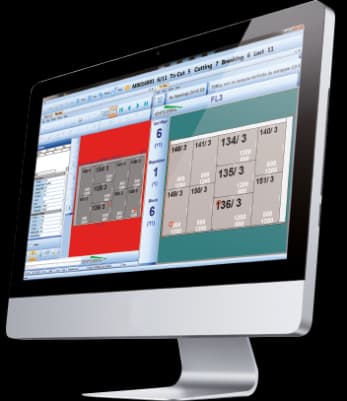
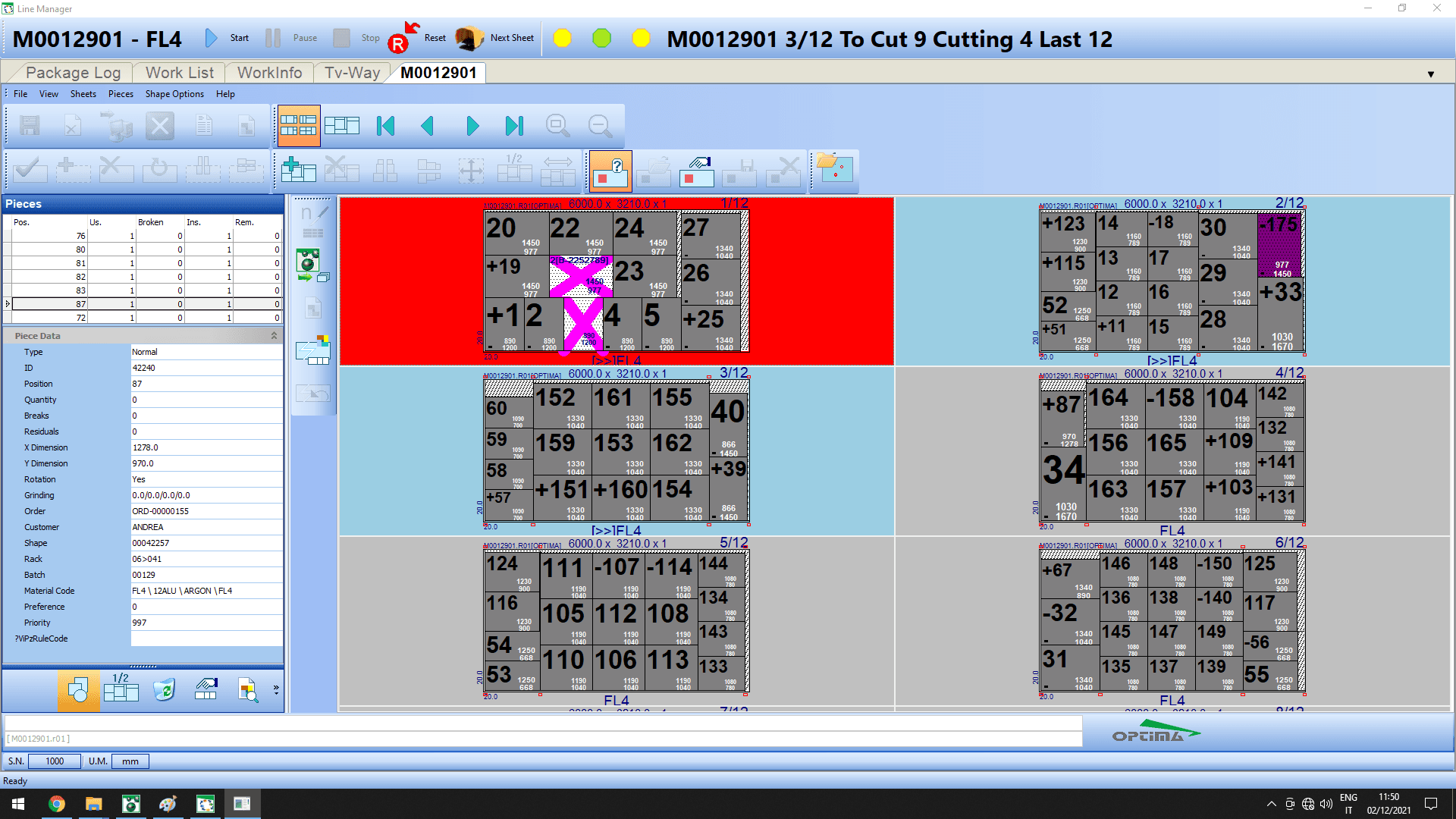
Re-OPT works beside the cutting table to declare breakages, recover pending pieces and automatically recalculate the sequence onto the next usable sheet.

re-optimization
Live
shop-floor operation
Touch
less waste
Yield
Re-OPT

What it solves

An unexpected breakage can force manual replanning, create delays and waste the final sheet. Re-OPT maintains a pool of pending pieces and dynamically reintroduces them into the cycle.

How it works

  1. 01DetectThe operator or a tracking station declares a breakage.
  2. 02PoolThe piece enters the pending pool for the current material.
  3. 03Re-optimizeThe sequence is recalculated on the next valid sheet.
  4. 04ContinueThe line keeps moving without manually rebuilding the whole batch.
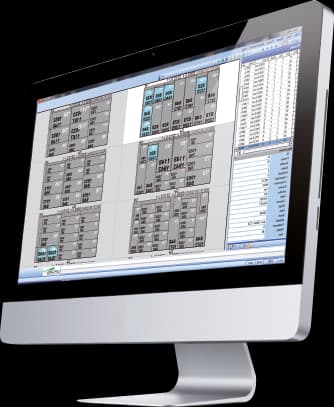
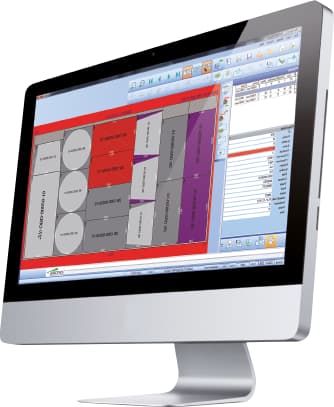
Re-OPT · Interface
Re-OPT · Interface

Connected cutting line

Line Manager, TV-Way, Re-OPT and Defect-OPT work as a single cycle

The catalogue describes these modules as complementary pieces: supervision, display, re-optimisation and preventive defect handling share information with the ERP/MES and with the cutting table's numerical control.

01
Office plan
02
Line supervision
03
Re-optimisation / defects
04
Cutting table + ERP feedback

Capabilities

Dynamic re-optimization so a breakage does not stop production.

Re-OPT works beside the cutting table to declare breakages, recover pending pieces and automatically recalculate the sequence onto the next usable sheet.

Core capabilities

Re-OPT works beside the cutting table to declare breakages, recover pending pieces and automatically recalculate the sequence onto the next usable sheet.

Operation and workflow

Integrations

An unexpected breakage can force manual replanning, create delays and waste the final sheet. Re-OPT maintains a pool of pending pieces and dynamically reintroduces them into the cycle.

How it fits the flow

  1. 01Detect: The operator or a tracking station declares a breakage.
  2. 02Pool: The piece enters the pending pool for the current material.
  3. 03Re-optimize: The sequence is recalculated on the next valid sheet.
  4. 04Continue: The line keeps moving without manually rebuilding the whole batch.

Re-OPT

Talk to Optima

Request a demo

Support and technical assistance

WhatsApp