Skip to content
Optima · Zucchetti
Back to products

CAM-Way

2.5-axis CAM for preparing glass machining from geometry.

CAM-Way prepares polishing, drilling, grinding, grooving and other machining cycles, automatically recognizes profiles and holes, and generates NC code for 3-axis machining centers.

CAM preparation
2.5D
profile recognition
Auto
3-axis centers
CNC
CAM-Way

What it solves

Moving from drawing to machining requires cycles, tools, entries/exits, references and fixturing. CAM-Way automates much of that preparation while keeping it visually editable.

How it works

  1. 01ImportReceive geometry from CAD-Way, Geo-Way or external files.
  2. 02RecognizeDetect profiles, holes and possible operations.
  3. 03PrepareAssign cycles, tools, references and suction cups.
  4. 04Post-processGenerate tool list and NC code.
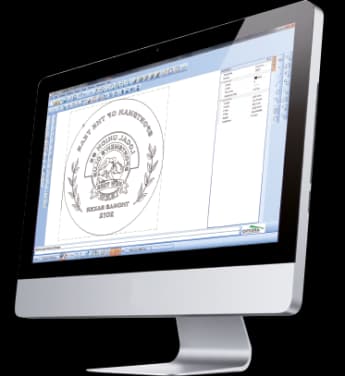
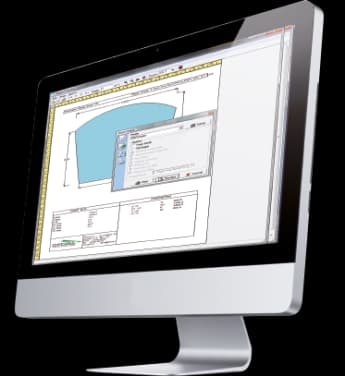
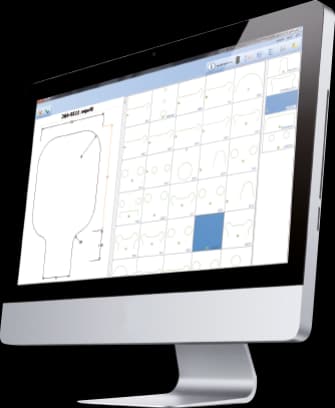
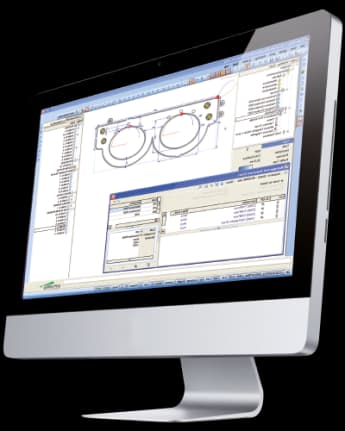
CAM-Way · Interface
CAM-Way · Interface

Workflow according to the catalogue

From profile to 2.5D machining

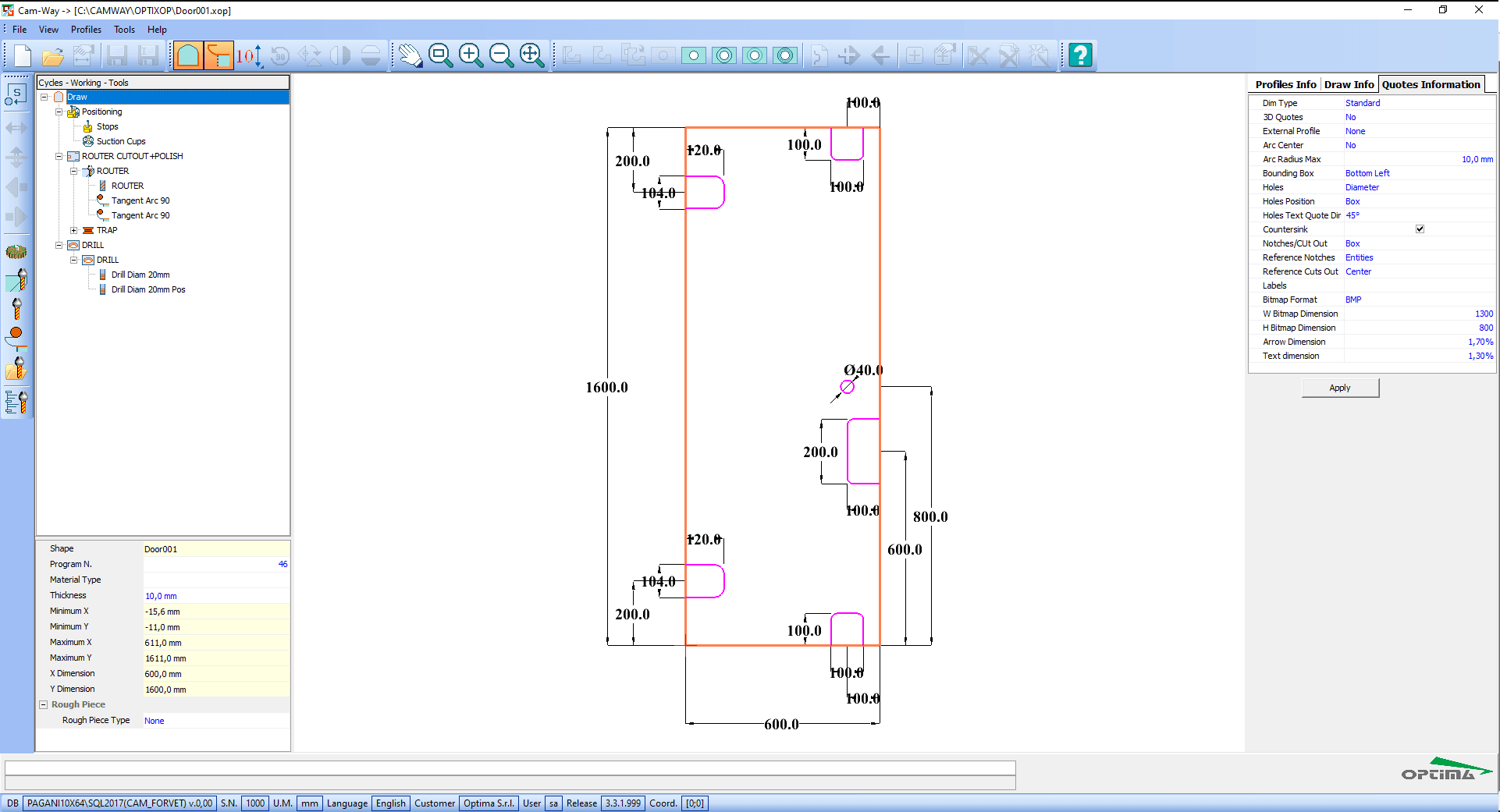
CAM-Way recognises profiles and holes in the drawing and lets you assign operations by drag & drop. It then generates job sheets and CAM-DXF output for compatible machining centres.

2.5 axesparametric CAM engine
Cycles and tools
Lead-ins and lead-outs
Automatic dimensioning
Integration with OWE and GMC-Monitor

From geometry to machine

Scan-Way, Geo-Way, CAD-Way and CAM-Way cover different levels of complexity

The catalogue does not present these tools as islands. A geometry can start from a template, a parametric shape or a DXF, be corrected in CAD and end up as CAM operations ready for a machining centre.

01
Template / shape / DXF
02
Geo-Way / Scan-Way
03
CAD-Way / Doors-Way
04
CAM-Way / CNC

Capabilities

2.5-axis CAM for preparing glass machining from geometry.

CAM-Way prepares polishing, drilling, grinding, grooving and other machining cycles, automatically recognizes profiles and holes, and generates NC code for 3-axis machining centers.

Core capabilities

CAM-Way prepares polishing, drilling, grinding, grooving and other machining cycles, automatically recognizes profiles and holes, and generates NC code for 3-axis machining centers.

Operation and workflow

Integrations

Moving from drawing to machining requires cycles, tools, entries/exits, references and fixturing. CAM-Way automates much of that preparation while keeping it visually editable.

How it fits the flow

  1. 01Import: Receive geometry from CAD-Way, Geo-Way or external files.
  2. 02Recognize: Detect profiles, holes and possible operations.
  3. 03Prepare: Assign cycles, tools, references and suction cups.
  4. 04Post-process: Generate tool list and NC code.

CAM-Way

Talk to Optima

Request a demo

Support and technical assistance

WhatsApp