Skip to content
Optima · Zucchetti
Back to products

TV-Way

The cutting plan, true-to-scale, in front of the operator.

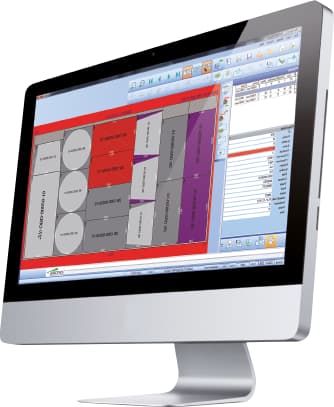
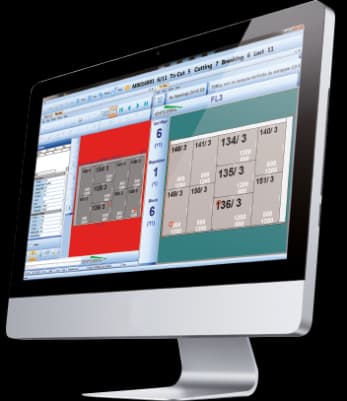
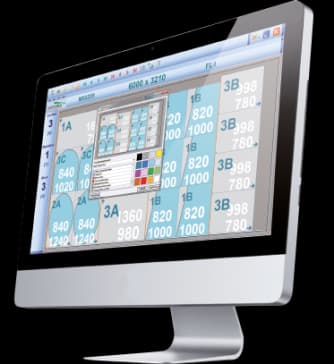
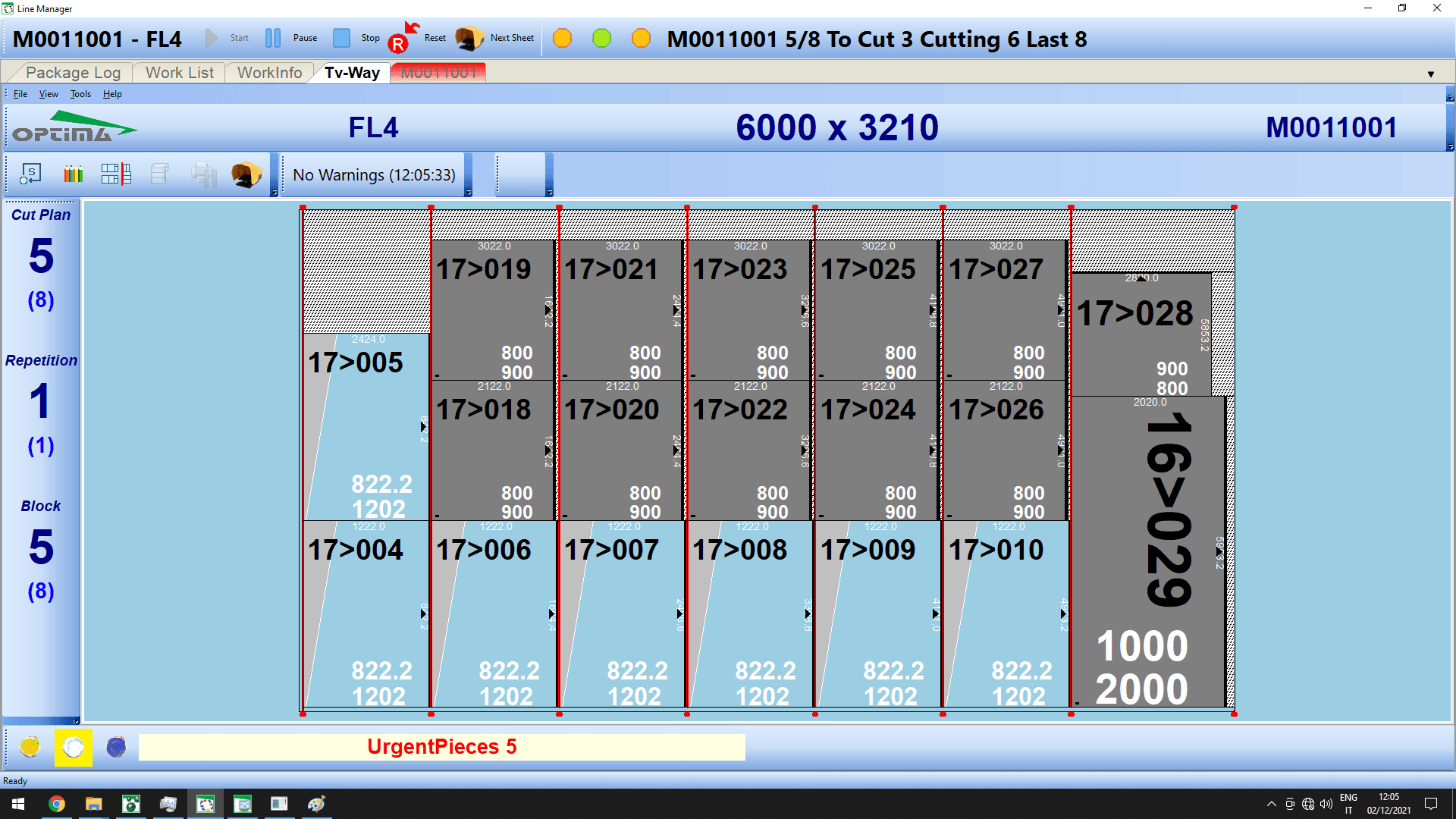
TV-Way displays the optimization for each sheet on a large monitor in front of the cutting-table operator. It replaces printed plans, supports breakout and can synchronize automatically with the table and Re-OPT.

true-scale display
1:1
paper layouts
0
table and Re-OPT
Sync
TV-Way

What it solves

Printed layouts slow sheet changes and make shapes, data and defects harder to follow. TV-Way brings cutting information to the workstation and keeps it synchronized with production.

How it works

  1. 01ReceiveTV-Way receives the optimization and active sheet.
  2. 02DisplayThe operator sees cuts, shapes, data and defects at scale.
  3. 03AdvanceThe sheet changes by footswitch or table synchronization.
  4. 04ConfirmLabels and pieces can be confirmed automatically in the OWE flow.
TV-Way · Interface
TV-Way · Interface

Connected cutting line

Line Manager, TV-Way, Re-OPT and Defect-OPT work as a single cycle

The catalogue describes these modules as complementary pieces: supervision, display, re-optimisation and preventive defect handling share information with the ERP/MES and with the cutting table's numerical control.

01
Office plan
02
Line supervision
03
Re-optimisation / defects
04
Cutting table + ERP feedback

Capabilities

The cutting plan, true-to-scale, in front of the operator.

TV-Way displays the optimization for each sheet on a large monitor in front of the cutting-table operator. It replaces printed plans, supports breakout and can synchronize automatically with the table and Re-OPT.

Core capabilities

TV-Way displays the optimization for each sheet on a large monitor in front of the cutting-table operator. It replaces printed plans, supports breakout and can synchronize automatically with the table and Re-OPT.

Operation and workflow

Integrations

Printed layouts slow sheet changes and make shapes, data and defects harder to follow. TV-Way brings cutting information to the workstation and keeps it synchronized with production.

How it fits the flow

  1. 01Receive: TV-Way receives the optimization and active sheet.
  2. 02Display: The operator sees cuts, shapes, data and defects at scale.
  3. 03Advance: The sheet changes by footswitch or table synchronization.
  4. 04Confirm: Labels and pieces can be confirmed automatically in the OWE flow.

TV-Way

Talk to Optima

Request a demo

Support and technical assistance

WhatsApp