Skip to content
Optima · Zucchetti
Back to products

Nest-Way

Automatic shape nesting to get more from every material.

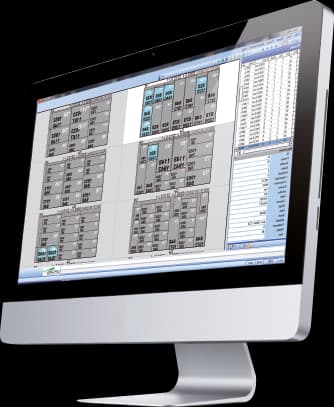
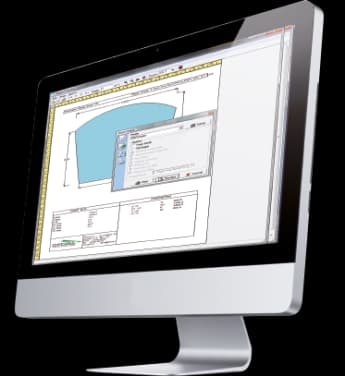
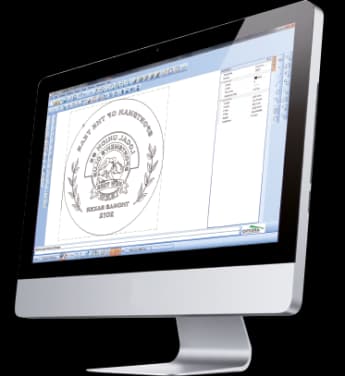
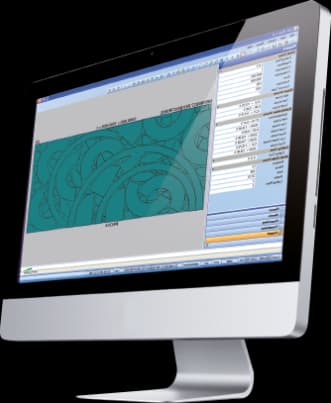
Nest-Way automatically places regular and free-form parts to minimize waste and generates cutting paths for automatic systems such as waterjet or CNC equipment.

free shapes
CAD
material selection
Auto
cutting path
Path
Nest-Way

What it solves

Free shapes make traditional rectangular optimization inefficient and require complex paths. Nest-Way combines geometry, constraints and toolpath generation to reduce waste and preparation time.

How it works

  1. 01ImportLoad shapes and fixed or free-size materials from CAD.
  2. 02ConfigureSet priorities, tolerances, spacing and tool parameters.
  3. 03NestNest-Way automatically finds a low-waste arrangement.
  4. 04CutGenerate the path and send it to the automatic system.

Workflow according to the catalogue

From a single shape to nesting that makes the most of the sheet

The catalogue compares work without Nest-Way directly with nesting identical or different shapes within the same primitive. Nesting uses rotations and mirroring where the material allows, then optimises those groups together with the remaining pieces.

up to 30%additional savings documented in the catalogue
Less waste
Fewer sheets to cut
Automatic exit cuts
Coating, grain and minimum distance respected

The catalogue documents results of up to 30% additional raw-material savings, depending on geometry and material.

Capabilities

Automatic shape nesting to get more from every material.

Nest-Way automatically places regular and free-form parts to minimize waste and generates cutting paths for automatic systems such as waterjet or CNC equipment.

Core capabilities

Nest-Way automatically places regular and free-form parts to minimize waste and generates cutting paths for automatic systems such as waterjet or CNC equipment.

Operation and workflow

Integrations

Free shapes make traditional rectangular optimization inefficient and require complex paths. Nest-Way combines geometry, constraints and toolpath generation to reduce waste and preparation time.

How it fits the flow

  1. 01Import: Load shapes and fixed or free-size materials from CAD.
  2. 02Configure: Set priorities, tolerances, spacing and tool parameters.
  3. 03Nest: Nest-Way automatically finds a low-waste arrangement.
  4. 04Cut: Generate the path and send it to the automatic system.

Nest-Way

Talk to Optima

Request a demo

Support and technical assistance

WhatsApp