Skip to content
Optima · Zucchetti
Back to products

Geo-Way

Parametric shapes without needing advanced CAD skills.

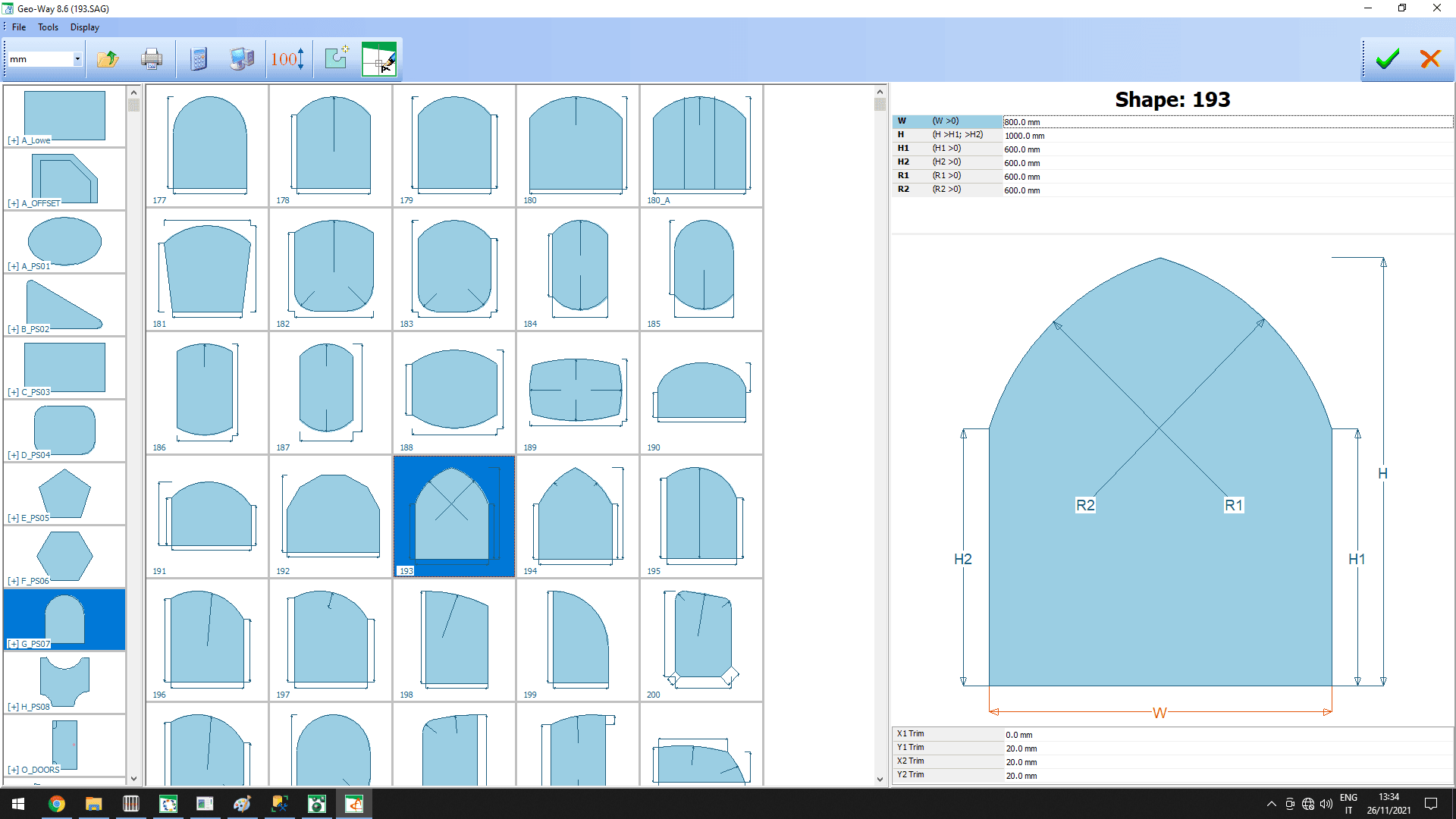
Geo-Way is Optima's parametric shape library. Select a prototype, enter dimensions and obtain true-scale geometry, cutting paths and production-ready data.

parametric shapes
350+
true-scale view
1:1
machining output
CNC
Geo-Way

What it solves

Many recurring shapes should not need to be drawn from scratch. Geo-Way turns hundreds of predefined geometries into reusable parametric templates that are easy to dimension.

How it works

  1. 01SelectChoose a shape from the parametric library.
  2. 02DimensionEnter the dimensions and parameters of the part.
  3. 03ValidateThe true-scale view helps verify geometry and path.
  4. 04ProduceUse the shape in optimization, printout or CNC.
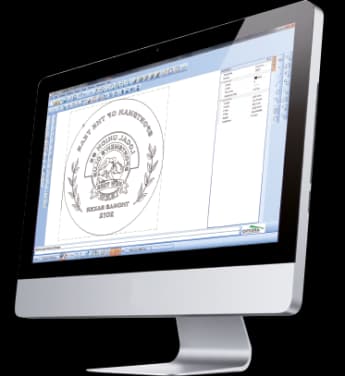
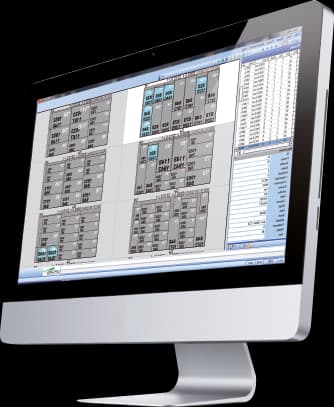
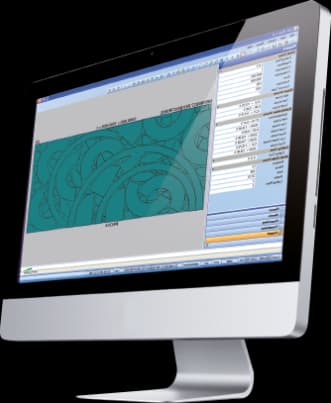
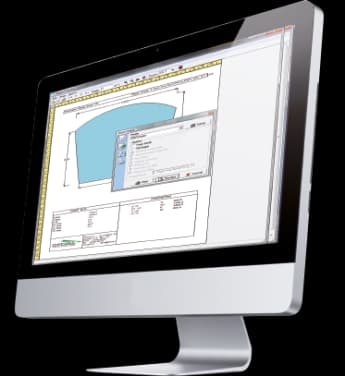
Geo-Way · Interface
Geo-Way · Interface

Workflow according to the catalogue

Parametric shapes inside the order itself

Geo-Way builds a library of parametric shapes into order entry. Users change dimensions and see the geometry update in real time, with no advanced CAD skills required.

350+documented parametric templates
True-scale view
Automatic trimming and offset
Rotation and mirroring
CAD import and export

From geometry to machine

Scan-Way, Geo-Way, CAD-Way and CAM-Way cover different levels of complexity

The catalogue does not present these tools as islands. A geometry can start from a template, a parametric shape or a DXF, be corrected in CAD and end up as CAM operations ready for a machining centre.

01
Template / shape / DXF
02
Geo-Way / Scan-Way
03
CAD-Way / Doors-Way
04
CAM-Way / CNC

Capabilities

Parametric shapes without needing advanced CAD skills.

Geo-Way is Optima's parametric shape library. Select a prototype, enter dimensions and obtain true-scale geometry, cutting paths and production-ready data.

Core capabilities

Geo-Way is Optima's parametric shape library. Select a prototype, enter dimensions and obtain true-scale geometry, cutting paths and production-ready data.

Operation and workflow

Integrations

Many recurring shapes should not need to be drawn from scratch. Geo-Way turns hundreds of predefined geometries into reusable parametric templates that are easy to dimension.

How it fits the flow

  1. 01Select: Choose a shape from the parametric library.
  2. 02Dimension: Enter the dimensions and parameters of the part.
  3. 03Validate: The true-scale view helps verify geometry and path.
  4. 04Produce: Use the shape in optimization, printout or CNC.

Geo-Way

Talk to Optima

Request a demo

Support and technical assistance

WhatsApp