Skip to content
Optima · Zucchetti
Back to products

Edit-Way

Fast editing and optimization directly beside the cutting table.

Edit-Way loads, creates and modifies optimizations at the machine station when returning to the office workflow is impractical. It handles sheets, cuts, shapes, stock and NC output while integrating with Opty-Way and OWE.

beside the table
Local
standard shapes approx.
350
machine output
NC
Edit-Way

What it solves

Rush jobs and last-minute changes need a faster shop-floor path than the full office cycle. Edit-Way gives the operator sheet-level control without breaking the Optima workflow.

How it works

  1. 01LoadOpen an office optimization or create a sheet locally.
  2. 02EditMove, add, remove or reorder parts and cuts.
  3. 03Re-optimizeRecalculate only the sheets that changed.
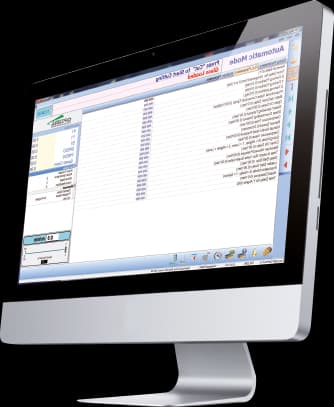
  4. 04SendGenerate NC code and run the job.

Workflow according to the catalogue

Edit the plan without losing traceability

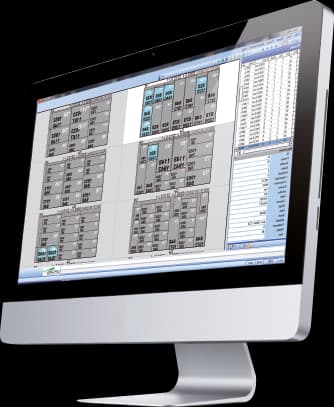
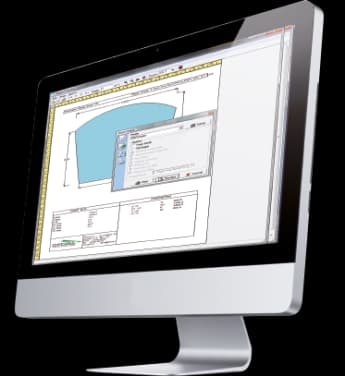
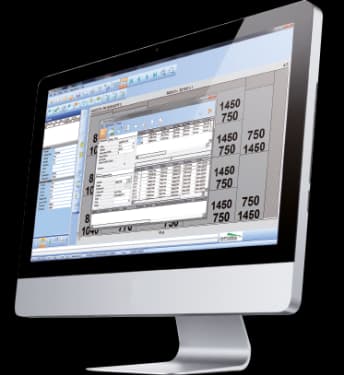
Edit-Way lets operators step into an already optimised plan when their judgement adds value: move, add, delete or rotate pieces, keep offcut areas and change the cutting sequence. The changes are saved back to Enterprise.

100%visual editing of the cutting plan
Move, add or delete pieces
Rotate and mirror on X/Y
Keep reusable offcuts
Reorder sheets and cutting sequences

Capabilities

Fast editing and optimization directly beside the cutting table.

Edit-Way loads, creates and modifies optimizations at the machine station when returning to the office workflow is impractical. It handles sheets, cuts, shapes, stock and NC output while integrating with Opty-Way and OWE.

Core capabilities

Edit-Way loads, creates and modifies optimizations at the machine station when returning to the office workflow is impractical. It handles sheets, cuts, shapes, stock and NC output while integrating with Opty-Way and OWE.

Operation and workflow

Integrations

Rush jobs and last-minute changes need a faster shop-floor path than the full office cycle. Edit-Way gives the operator sheet-level control without breaking the Optima workflow.

How it fits the flow

  1. 01Load: Open an office optimization or create a sheet locally.
  2. 02Edit: Move, add, remove or reorder parts and cuts.
  3. 03Re-optimize: Recalculate only the sheets that changed.
  4. 04Send: Generate NC code and run the job.

Edit-Way

Talk to Optima

Request a demo

Support and technical assistance

WhatsApp