Skip to content
Optima · Zucchetti
Back to products

Opty-Way Enterprise

The specialist ERP connecting office and production.

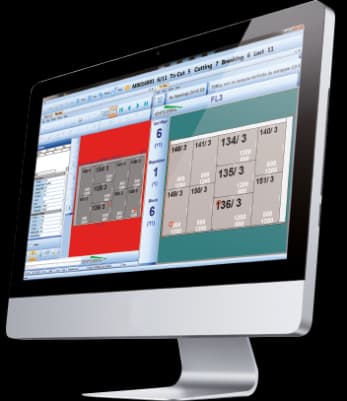
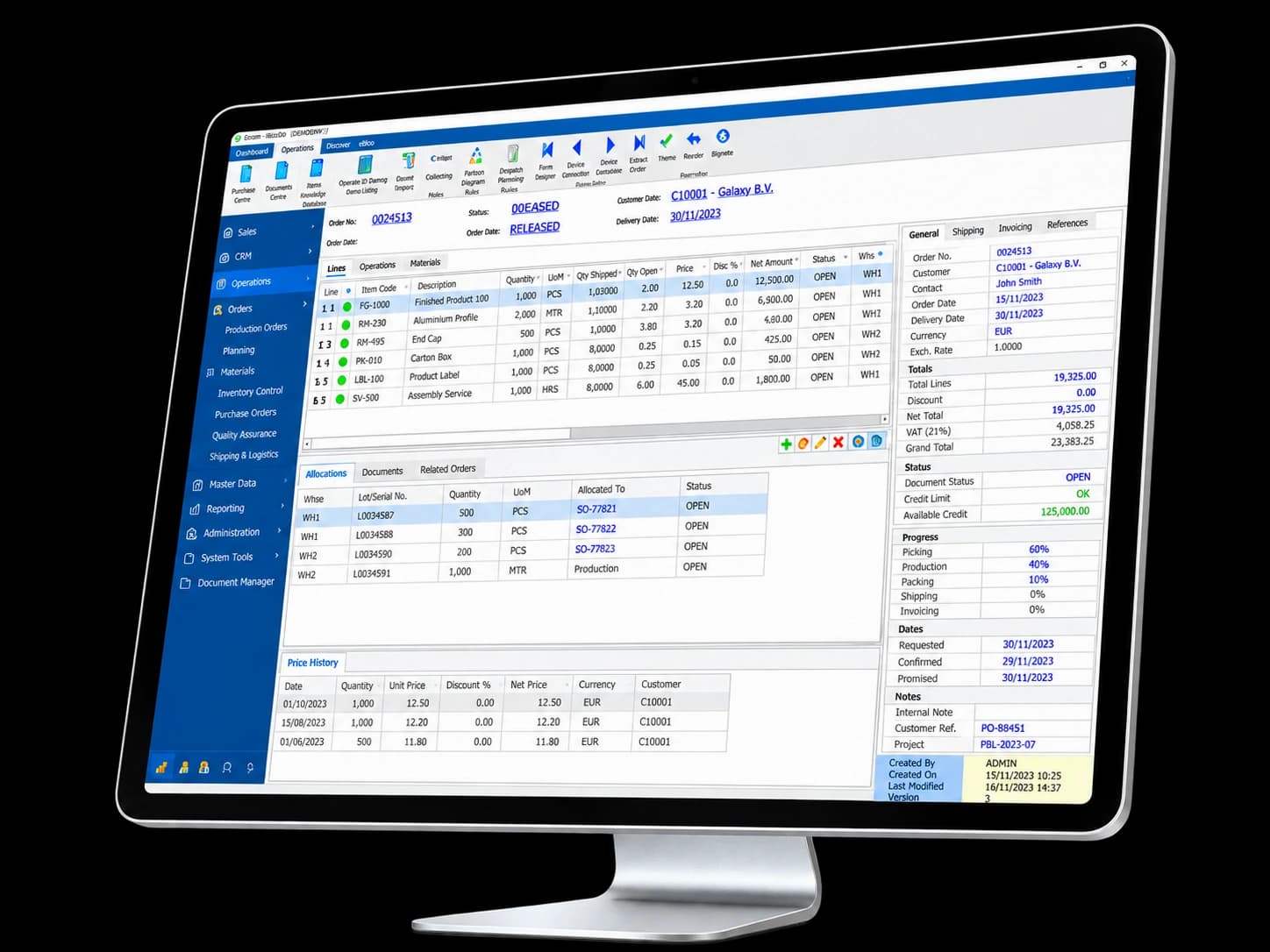
Opty-Way Enterprise structures orders, materials, processes and production around the specific needs of a glass company. Its SQL architecture supports networked operation, modular expansion and external-system connectivity.

data architecture
SQL
specialized management
ERP
connected production
MES
Opty-Way Enterprise

What it solves

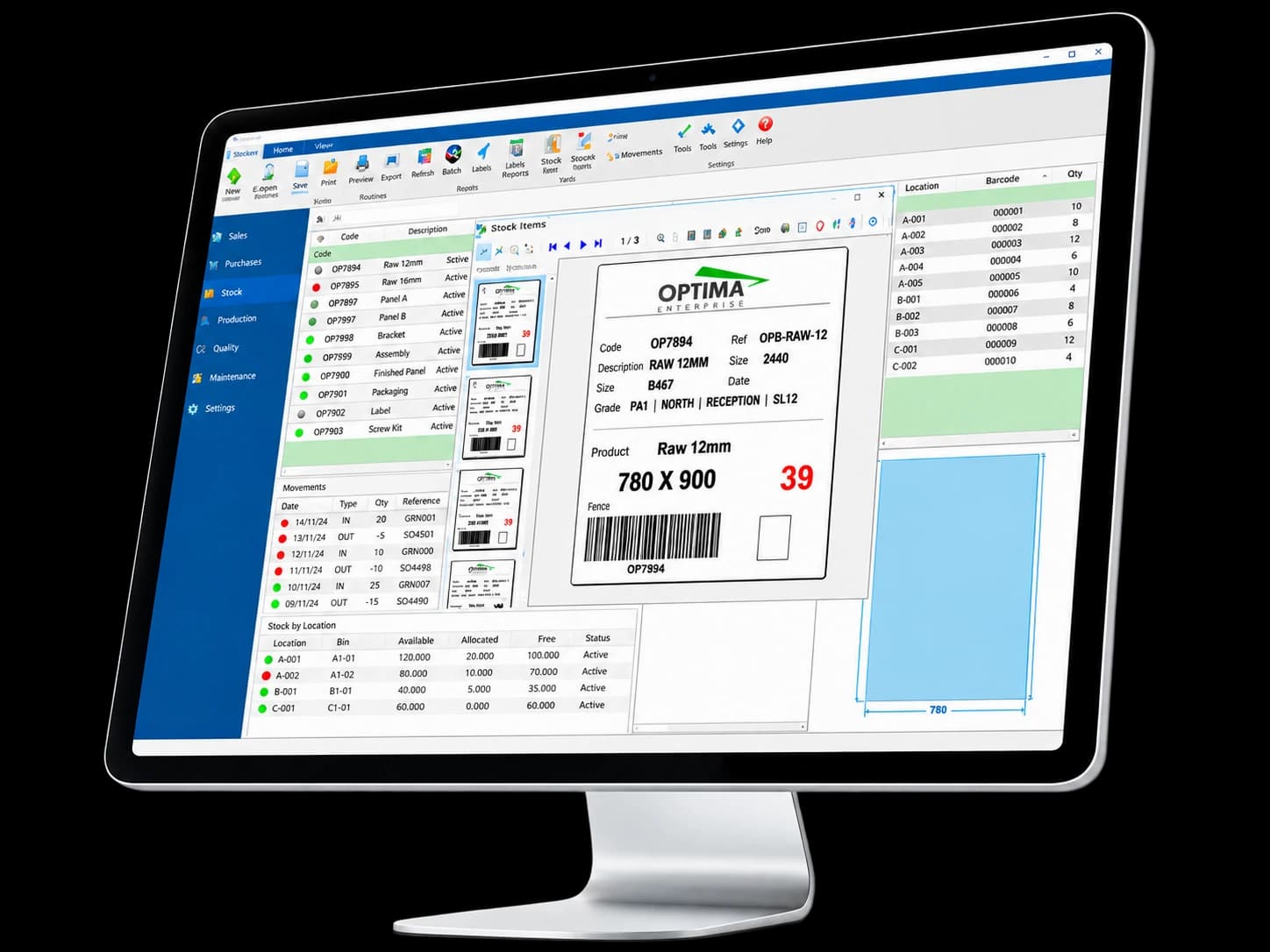
When orders, planning, production, stock and shipping live in separate tools, duplication, errors and visibility gaps appear. OWE acts as the common core that reduces those information handoffs.

How it works

  1. 01OrderCommercial entry and product definition.
  2. 02PlanningCreation of work orders, batches and priorities.
  3. 03ProductionExecution and tracking across production centers.
  4. 04ShippingClose the cycle with delivery, documents and invoicing.

Enterprise architecture

One modular system from office to machine

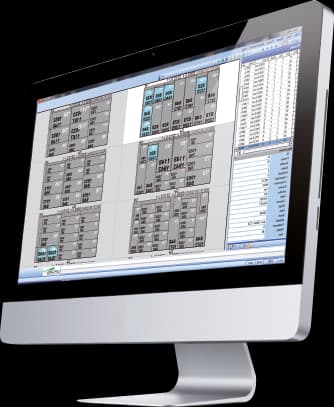
Optima's catalogue presents Enterprise as a centralized data core linking commercial management, planning, optimization, production, MES, design and shipping. Modules can be added as each plant evolves without breaking the information flow.

How the modules connect

The ERP acts as the common core; specialist modules share data and return production progress to the same system.

ERP · CAD/CAM · MES · CNC · WEB

ERP and office

PurchasingWeb orders and quotesThird-party ERP / EDIGlass Advisor

Design

Geo-Way / Doors-Way / Bars-WayCAD-WayCAM-Way

Report Designer

Report Designer
OWEOpty-Way EnterpriseERP and office · Planning · Machines and plant

Planning

Production plannerBatch creationRack-Way / shipping

Optimization and cutting

Opty-Way / Edit-Way / Nest-WayLine ManagerRe-OPT / Defect-OPTTV-Way

MES and traceability

GMC-MonitorCutting tables, CNC, IG lines and sorting

A common platform lets the solution grow module by module while keeping customers, orders, production and progress in the same data context.

Grows with you

Start with what you need and expand without changing platform

Opty-Way Enterprise is modular and comes in four commercial configurations: Basic, Producción, Ventas and Essential. Each one starts from a different scope and can be extended with specific modules for each project.

Opty-Way Enterprise · Basic
01

Basic

Insulating glass production

ERP configuration for managing insulating glass production, with integrated optimisation and cutting preparation tools.

  • 1 user included · maximum 3
  • Opty-Way / Edit-Way
  • Geo-Way and CAD-Way
  • Expandable with modules
Opty-Way Enterprise · Producción
02

Producción

Full production

Configuration for broader production management: configurable processes and bills of materials, machine-level orders and advanced reporting.

  • 3 users included
  • Configurable processes and BOM
  • Report Designer
  • MES and planning modules
Opty-Way Enterprise · Ventas
03

Ventas

Sales management

Configuration focused on the sales cycle: quotes, orders, price lists, dispatch, invoicing and payment due dates.

  • 5 users included
  • Quotes and orders
  • Prices and discounts
  • Invoicing and accounting
Opty-Way Enterprise · Essential
04

Essential

Sales + production

Entry-level configuration that brings the essential sales and production functions together on a single platform.

  • 3 users included · maximum 5
  • Sales and production
  • Integrated optimisation
  • Expandable as needed

General product options

Four configurations, one modular platform

Enterprise adapts to the scope each company needs and can be extended with specific modules. The matrix below shows which modules are included, available as an option or not available in each configuration.

01

Basic

Production systems

ERP for managing insulating glass production.

02

Producción

Production systems

ERP for complete management of glass processing production.

03

Ventas

Sales systems

ERP for sales management.

04

Essential

Sales + production

Entry-level ERP to manage sales and production together.

Module availability in Opty-Way Enterprise Basic, Producción, Ventas and Essential
Application areaModuleBasicProducciónVentasEssential
Purchasing and payables managementPurchasing module——OptionalOptional
Printouts and customisation of reports, documents and labelsReport Designer——
Advanced optimisation moduleOpty-Way · Edit-Way—
Advanced shape optimisation (shape nesting)Nest-WayOptionalOptional—Optional
Rack management and optimisationRack-Way · Delivery RacksOptionalOptional—Optional
Time calculation and production planningProduction Planner—OptionalOptional—
Production monitoring · Industry 4.0GMC-MonitorOptionalOptional—Optional
Online cutting optimisation and controlLine ManagerOptionalOptional—Optional
Cutting plan display at the breakout stationTV-WayOptionalOptional—Optional
Dynamic optimisation systemRe-OPTOptionalOptional—Optional
Optimisation excluding sheet defectsDefect-OPTOptionalOptional—Optional
Parametric system for shapesGeo-Way
Parametric system for Georgian barsBars-WayOptionalOptional
CAD for free-form designCAD-Way
Parametric CAM for machining centresCAM-Way—OptionalOptional—
Integrated DoP calculationGlass AdvisorOptionalOptionalOptionalOptional
Production status and progress displayWeb DashboardsOptionalOptionalOptionalOptional
Web order entry and progress trackingWeb Orders · Web Quotes—OptionalOptionalOptional
KeyIncludedOptional— Not available

Final availability is confirmed for each project and may vary with the version, the contracted scope and the integrations required.

WEB

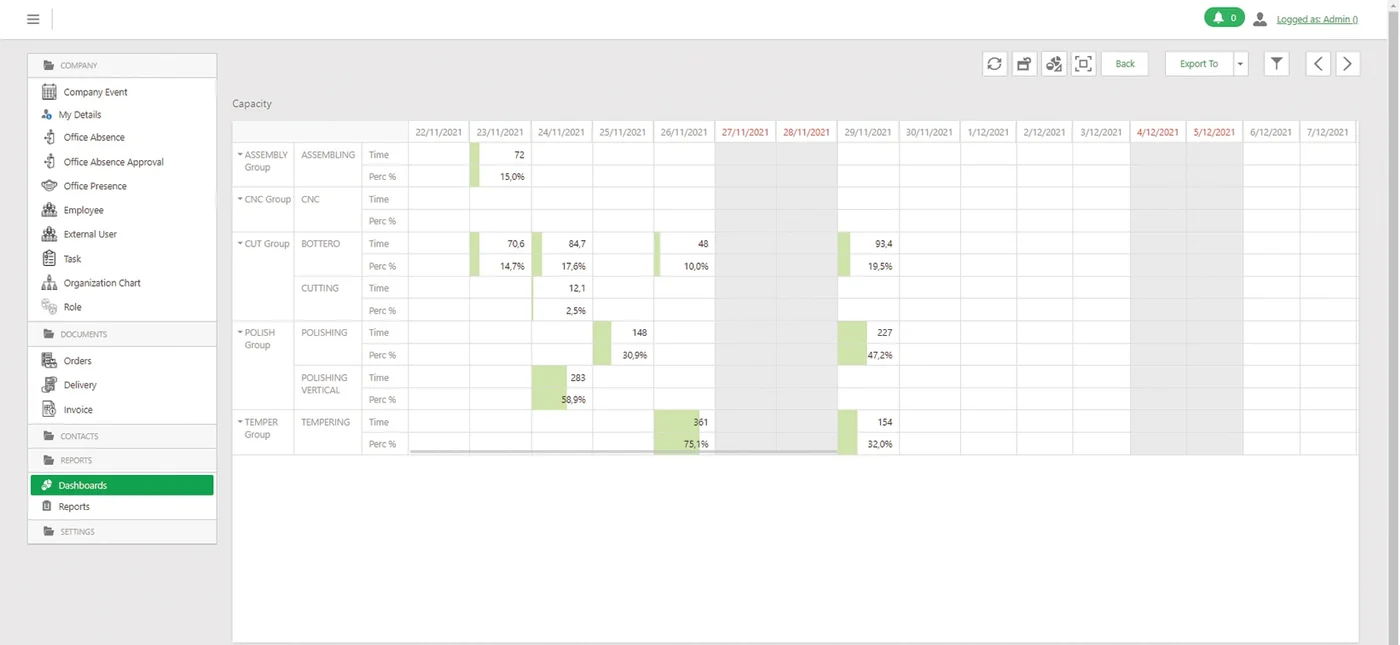
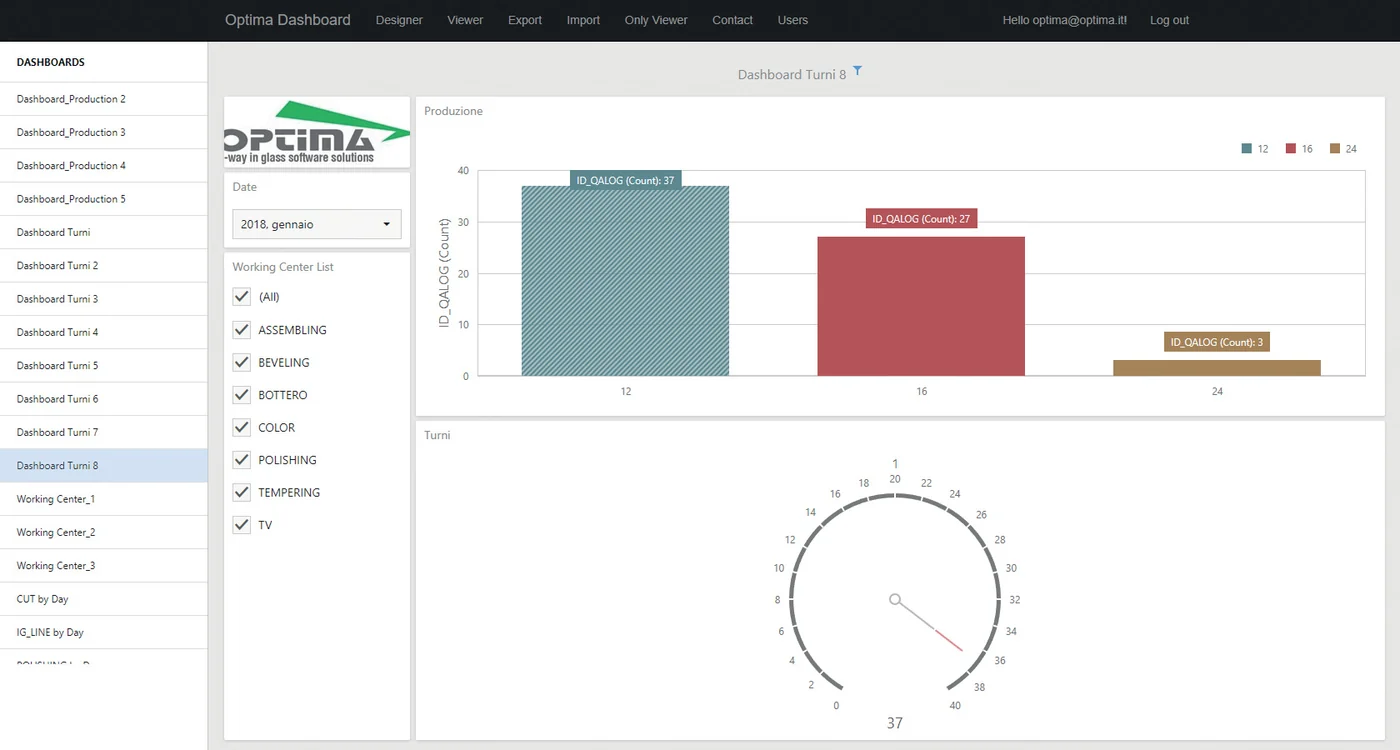
Dashboards

Sales and production KPIs in a browser, on a tablet, a phone or shop-floor screens, with per-user permissions and automatic refresh.

DOP

GlassAdvisor

Background integration that retrieves technical parameters, generates documentation and keeps the data inside the ERP.

REPORT

Report Designer

Documents, labels, 1D/2D codes, statistics and export to PDF, Excel or Word with configurable printing rules.

The exact configuration and module availability are confirmed for each project.

Enterprise architecture

Enterprise · Detailed ERP workflow

A single view of how ERP, design, optimisation, production, MES, web and reporting fit together around Opty-Way Enterprise.

Diagram adapted for the web from the Enterprise functional workflow and the modules in the Optima catalogue.

Purchasing · costs · reporting · DoP

Enterprise also closes the administrative and document cycle

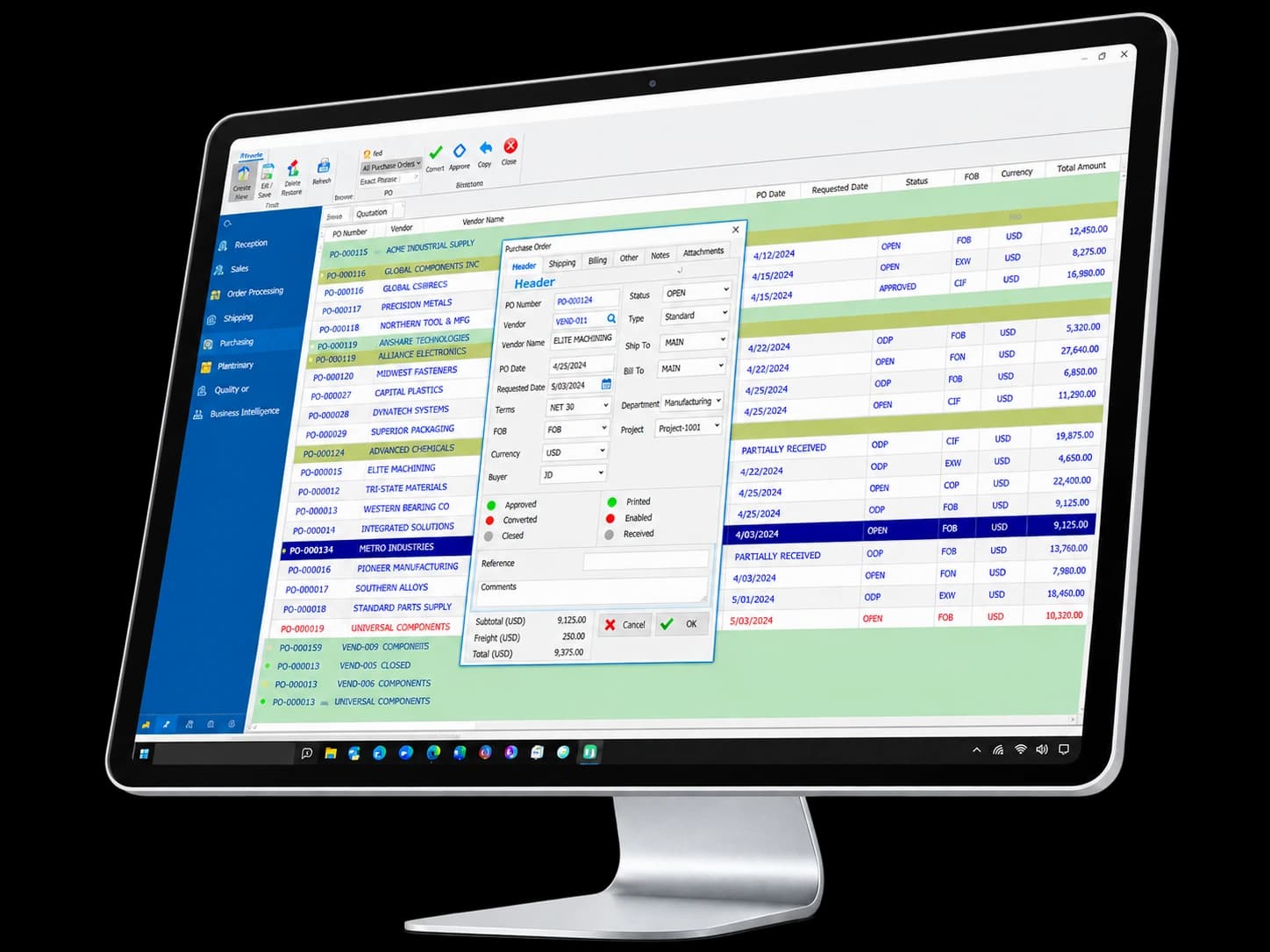
The catalogue does not limit Enterprise to production. It also covers purchasing, costs, supply traceability, reporting, DoP and dashboards connected to the same data.

01 · PURCHASING & COSTS

From sales order to procurement

01Sales order
02Purchase order
03Goods receipt
04Stock / cost
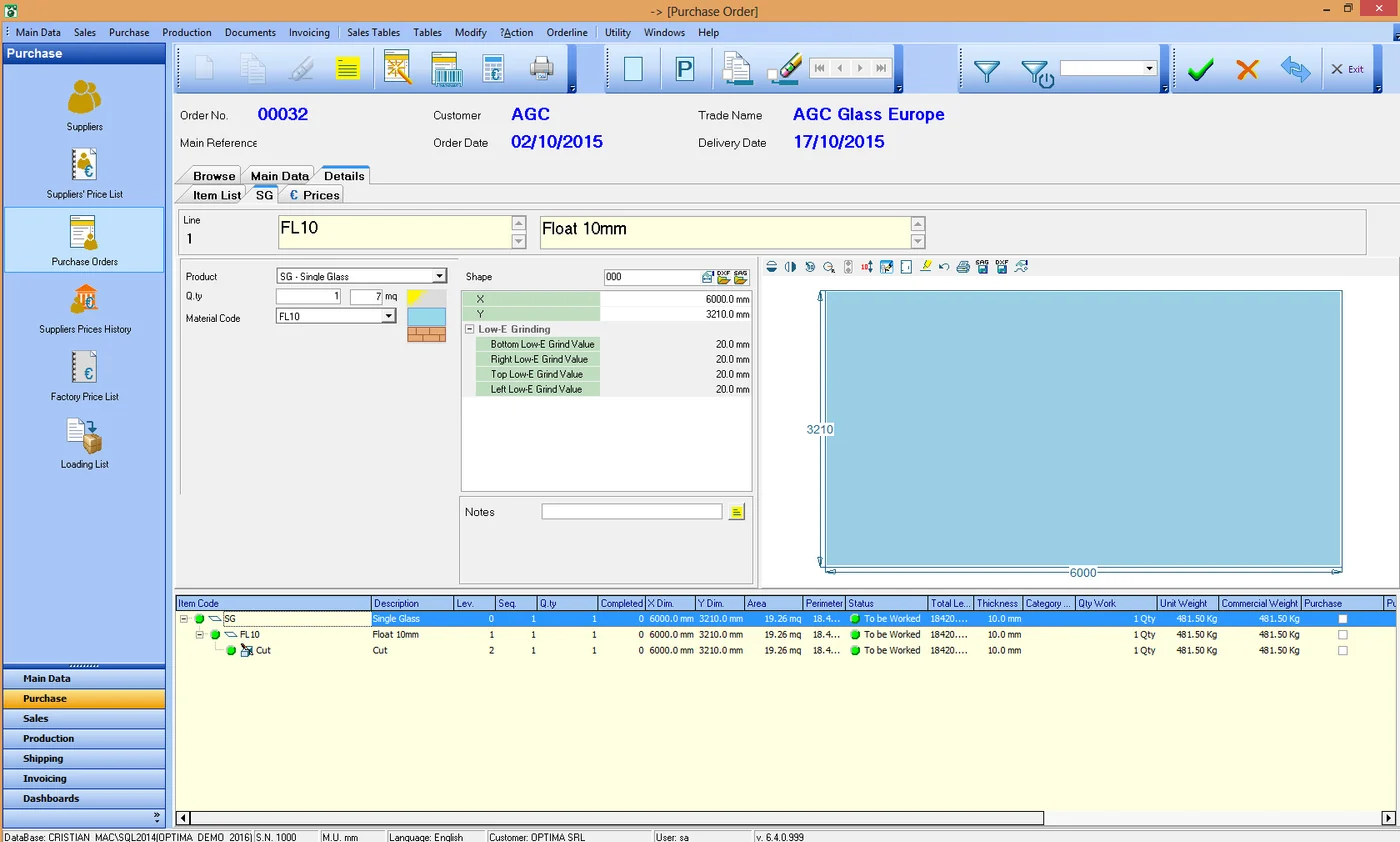
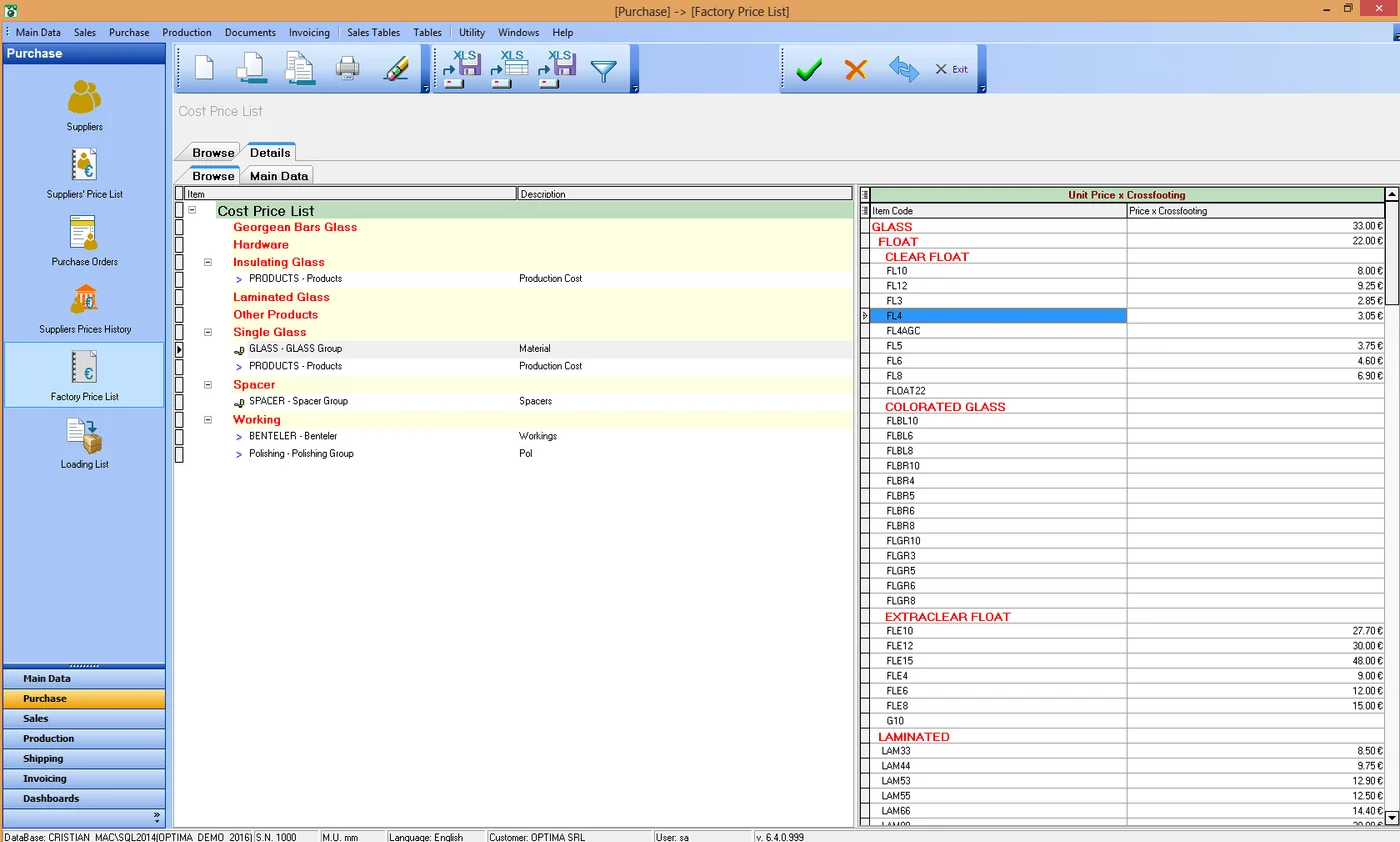
  • Suppliers and multiple purchase lists.
  • Price history by product and unit of measure.
  • Minimum stock, inventory, location and batch/supplier traceability.
  • Automatic purchase creation for subcontracted work.
  • Instant estimate of cost, revenue and margin per component or job.

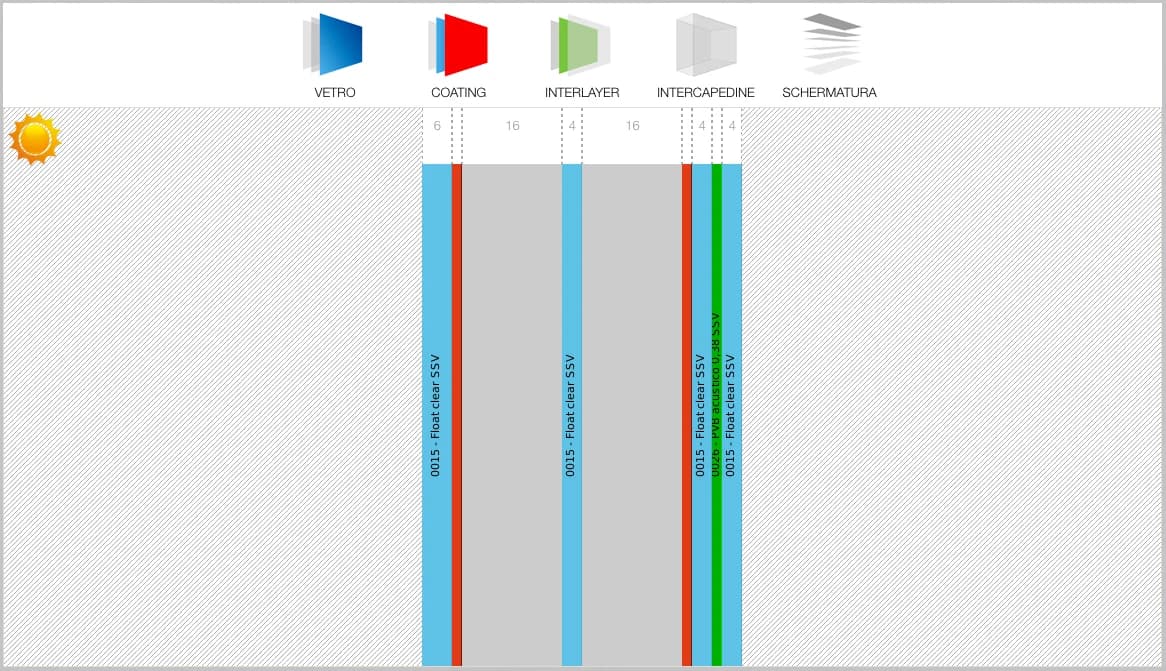
02 · GLASSADVISOR

DoP without leaving the ERP

01Build-up
02DoP lookup
03Parameters
04PDF / email
  • Background lookup without switching applications.
  • Build-ups with glass from different manufacturers.
  • Technical data stored in the database.
  • Document ready to print, send or publish on the portal.

03 · REPORTING

Report Designer + Web Dashboards

01ERP / MES data
02KPIs / reports
03Permissions
04PDF / Excel / TV
  • Customisable reports and labels with 1D, DataMatrix and QR codes.
  • Variants by language, printer, number of copies and page format.
  • Export to PDF, Excel and Word and direct sending by email.
  • Web dashboards with automatic refresh and group-based access.
  • KPIs for production, sales, delays, machines and racks.

Workflow according to the catalogue

Planning built on the plant's real capacity

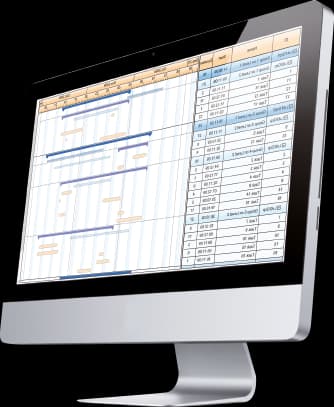
The Enterprise planning module calculates times by material, job, shape and machine, places them on capacity calendars and lets you answer from the order itself when a job can be ready.

ASAP / JITdocumented planning strategies
Calendars and shifts
Gantt by operation
Load histograms
Early detection of peaks and delays

Capabilities

The specialist ERP connecting office and production.

Opty-Way Enterprise structures orders, materials, processes and production around the specific needs of a glass company. Its SQL architecture supports networked operation, modular expansion and external-system connectivity.

Core capabilities

Opty-Way Enterprise structures orders, materials, processes and production around the specific needs of a glass company. Its SQL architecture supports networked operation, modular expansion and external-system connectivity.

Operation and workflow

Opty-Way Enterprise modules and extensions

Beyond the four Enterprise configurations —Basic, Producción, Ventas and Essential—, OWE can be extended with specialist modules for planning, purchasing, costing, shipping, analytics, glass performance and fiscal workflows.

01

GlassAdvisor

OWE module

Access optical and thermal glass-composition performance from the management workflow.

02

Production Planning

OWE module

Turn orders and operations into a time-based machine and work-center plan.

03

Stock & Purchasing

OWE module

Extend OWE with suppliers, purchase orders, purchasing prices, minimum stock and material traceability.

04

Production Costs & Revenues

OWE module

Calculate line/order cost and margin in real time.

05

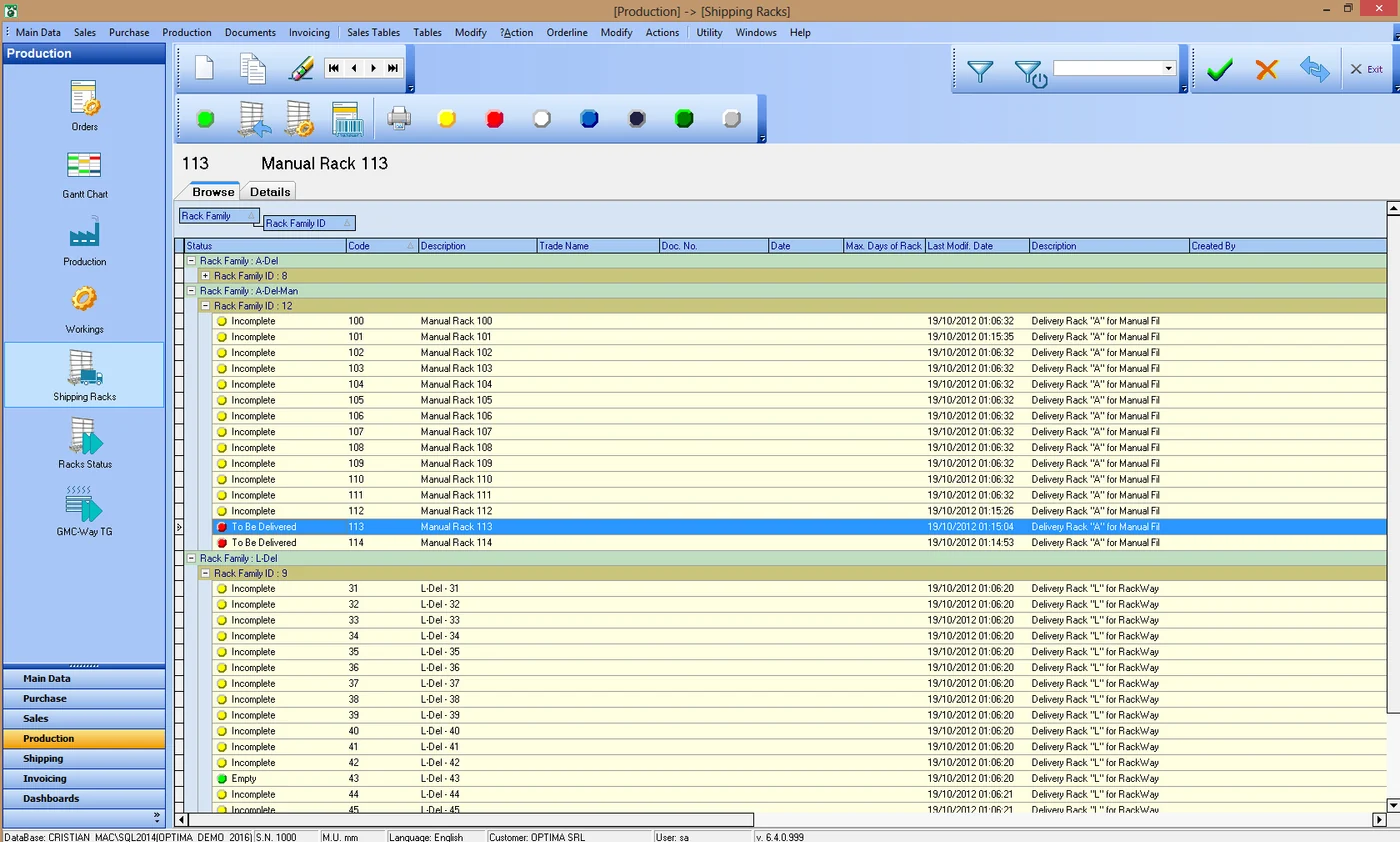
Shipping Racks

OWE module

Manage shipping-rack preparation, loading, allocation and return.

06

Web Dashboards

OWE module

Expose OWE reports and KPIs as browser-based dashboards.

07

TicketBAI

OWE module

Integrate TicketBAI fiscal requirements into the OWE invoicing workflow where applicable.

08

Report Designer

OWE module

Customize documents, labels, reports and statistics directly on OWE data.

Integrations

When orders, planning, production, stock and shipping live in separate tools, duplication, errors and visibility gaps appear. OWE acts as the common core that reduces those information handoffs.

How it fits the flow

  1. 01Order: Commercial entry and product definition.
  2. 02Planning: Creation of work orders, batches and priorities.
  3. 03Production: Execution and tracking across production centers.
  4. 04Shipping: Close the cycle with delivery, documents and invoicing.

Opty-Way Enterprise

Talk to Optima

Request a demo

Support and technical assistance

WhatsApp