Skip to content
Optima · Zucchetti
Back to products

CAD-Way

2D CAD specialized for glass shapes and machining.

CAD-Way creates, corrects and imports free-form geometries for cutting and machining. It can run as an optimization/ERP module or standalone application and is especially useful for customer DXF/DWG files and digitized templates.

specialized CAD
2D
input and output
DXF
machining code
CNC
CAD-Way

What it solves

Irregular shapes, customer drawings and machining centers need more flexibility than a parametric library. CAD-Way provides glass-oriented 2D tools and direct production output.

How it works

  1. 01ImportStart from DXF/DWG, digitization or a new drawing.
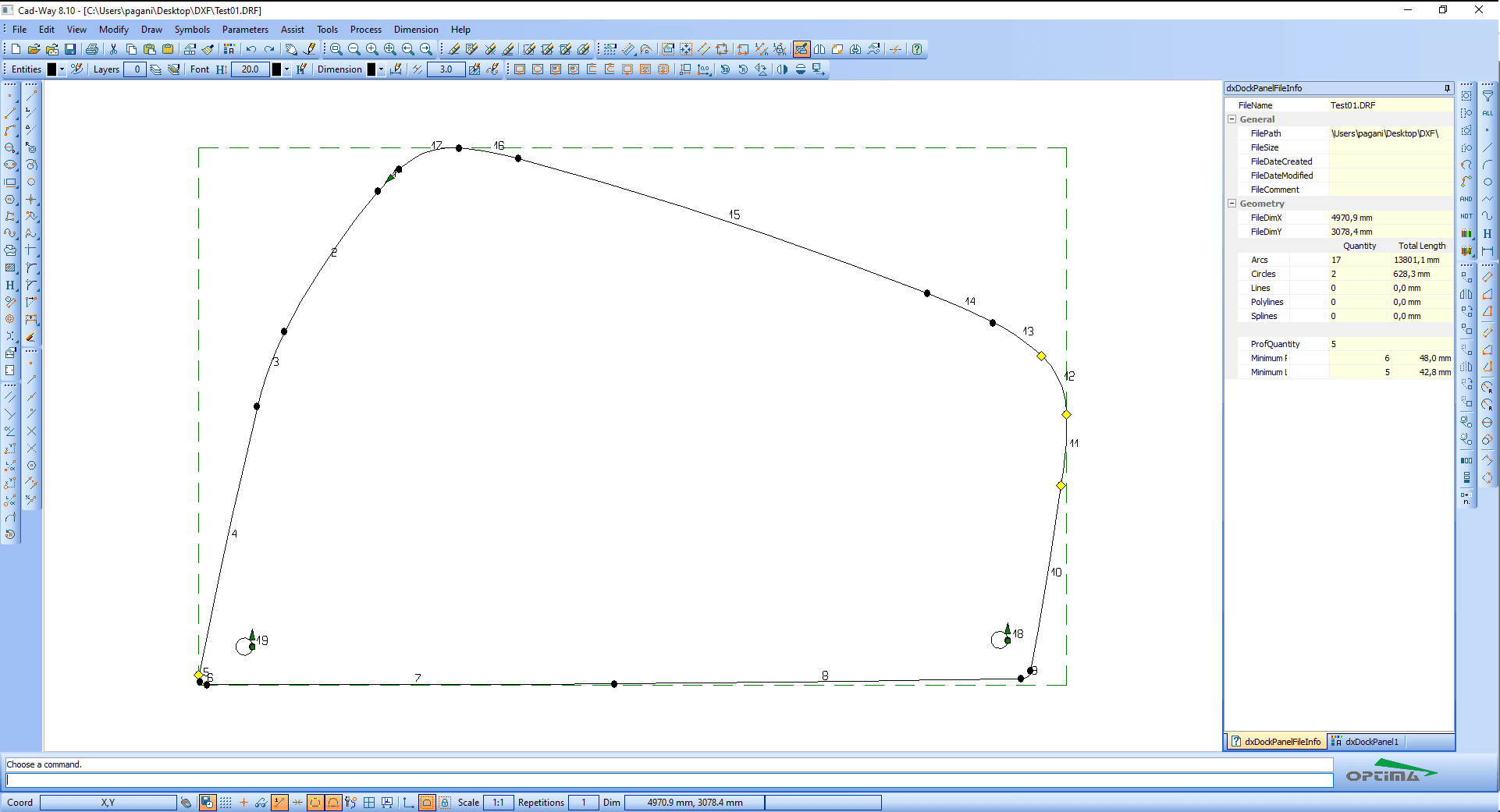
  2. 02EditCorrect profiles, layers, notches, holes and dimensions.
  3. 03ValidateControl tools check geometry and continuity.
  4. 04MachineSend the drawing to optimization or generate CNC code.
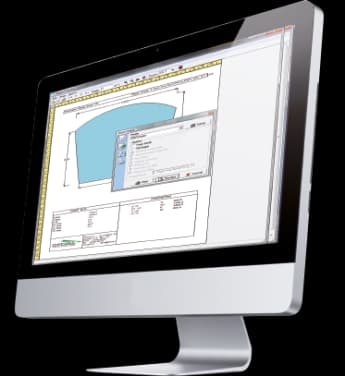
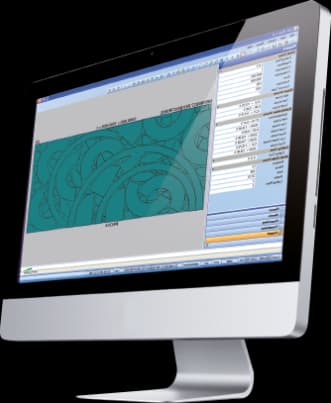
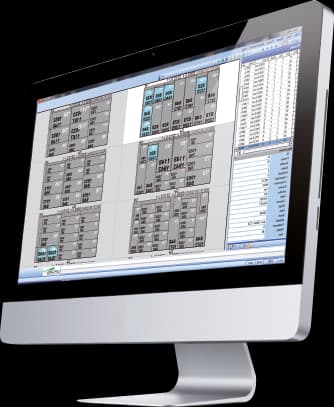
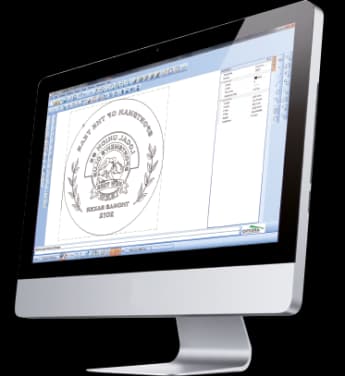
CAD-Way · Interface
CAD-Way · Interface

Workflow according to the catalogue

Correct the geometry before it goes to the machine

CAD-Way is designed for geometry that goes beyond a parametric library. The catalogue highlights profile reconstruction, entity reduction and the Doctor function for detecting and fixing irregularities, discontinuities and tangencies.

2DCAD specialised for glass
Geometry reconstruction
Profile correction
Fewer unnecessary entities
Central preparation for different machines

From geometry to machine

Scan-Way, Geo-Way, CAD-Way and CAM-Way cover different levels of complexity

The catalogue does not present these tools as islands. A geometry can start from a template, a parametric shape or a DXF, be corrected in CAD and end up as CAM operations ready for a machining centre.

01
Template / shape / DXF
02
Geo-Way / Scan-Way
03
CAD-Way / Doors-Way
04
CAM-Way / CNC

Capabilities

2D CAD specialized for glass shapes and machining.

CAD-Way creates, corrects and imports free-form geometries for cutting and machining. It can run as an optimization/ERP module or standalone application and is especially useful for customer DXF/DWG files and digitized templates.

Core capabilities

CAD-Way creates, corrects and imports free-form geometries for cutting and machining. It can run as an optimization/ERP module or standalone application and is especially useful for customer DXF/DWG files and digitized templates.

Operation and workflow

Integrations

Irregular shapes, customer drawings and machining centers need more flexibility than a parametric library. CAD-Way provides glass-oriented 2D tools and direct production output.

How it fits the flow

  1. 01Import: Start from DXF/DWG, digitization or a new drawing.
  2. 02Edit: Correct profiles, layers, notches, holes and dimensions.
  3. 03Validate: Control tools check geometry and continuity.
  4. 04Machine: Send the drawing to optimization or generate CNC code.

CAD-Way

Talk to Optima

Request a demo

Support and technical assistance

WhatsApp