Skip to content
Optima · Zucchetti
Back to products

Defect-OPT

Avoiding the defect before cutting is better than remaking the piece.

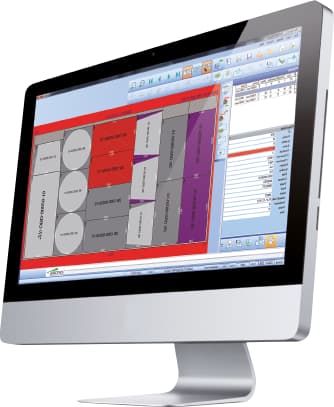
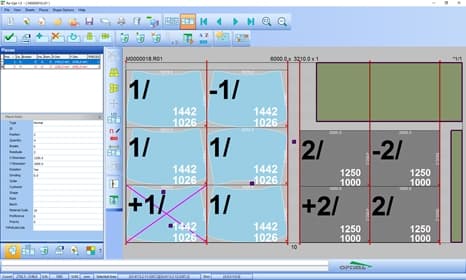
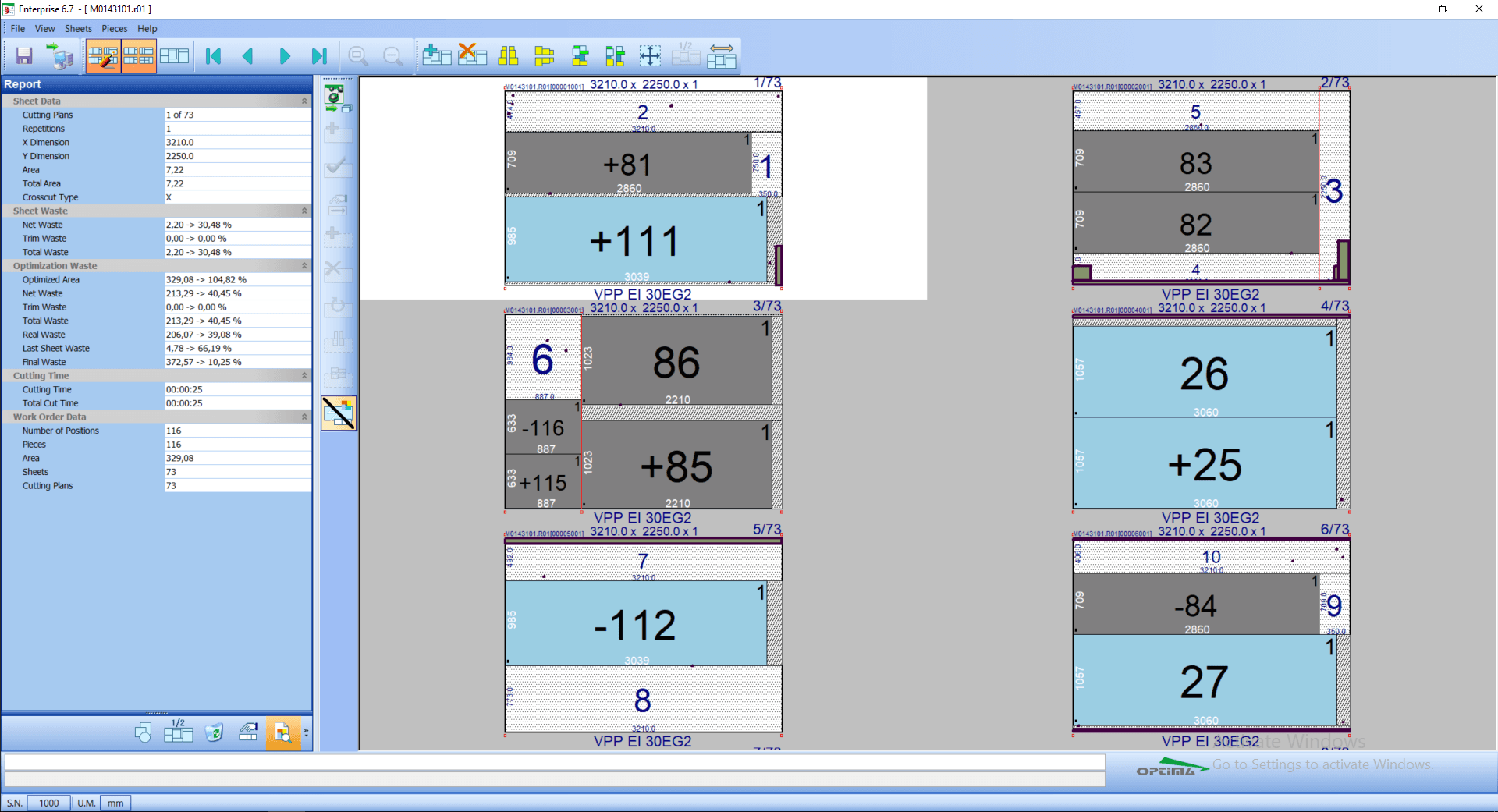
Defect-OPT identifies unusable areas on a sheet and makes optimization place pieces around them. It can work with manually defined defects or scanner maps and automatically re-optimize through Re-OPT.

pieces on defects
0
re-optimization
Live
quality history
SQL
Defect-OPT

What it solves

Marking pieces that overlap a defect as broken forces recutting and creates more waste. Defect-OPT treats the defect as a forbidden area from the start, avoiding known-bad glass before processing.

How it works

  1. 01DetectThe defect is defined manually or received from a scanner.
  2. 02StopThe line pauses cutting of the affected sheet.
  3. 03Re-optimizeRe-OPT recalculates around the unusable areas.
  4. 04ResumeThe new program is sent to CNC and the line continues.
Defect-OPT · Interface

Connected cutting line

Line Manager, TV-Way, Re-OPT and Defect-OPT work as a single cycle

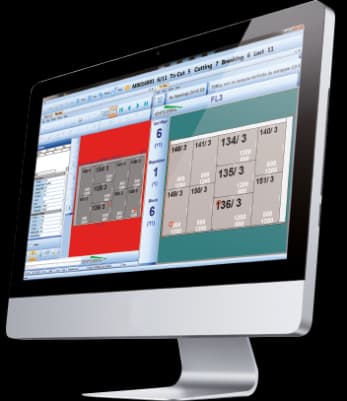
The catalogue describes these modules as complementary pieces: supervision, display, re-optimisation and preventive defect handling share information with the ERP/MES and with the cutting table's numerical control.

01
Office plan
02
Line supervision
03
Re-optimisation / defects
04
Cutting table + ERP feedback

Capabilities

Avoiding the defect before cutting is better than remaking the piece.

Defect-OPT identifies unusable areas on a sheet and makes optimization place pieces around them. It can work with manually defined defects or scanner maps and automatically re-optimize through Re-OPT.

Core capabilities

Defect-OPT identifies unusable areas on a sheet and makes optimization place pieces around them. It can work with manually defined defects or scanner maps and automatically re-optimize through Re-OPT.

Operation and workflow

Integrations

Marking pieces that overlap a defect as broken forces recutting and creates more waste. Defect-OPT treats the defect as a forbidden area from the start, avoiding known-bad glass before processing.

How it fits the flow

  1. 01Detect: The defect is defined manually or received from a scanner.
  2. 02Stop: The line pauses cutting of the affected sheet.
  3. 03Re-optimize: Re-OPT recalculates around the unusable areas.
  4. 04Resume: The new program is sent to CNC and the line continues.

Defect-OPT

Talk to Optima

Request a demo

Support and technical assistance

WhatsApp