Skip to content
Optima · Zucchetti
Back to products

Scan-Way

Digitize large physical templates and turn them into usable geometry.

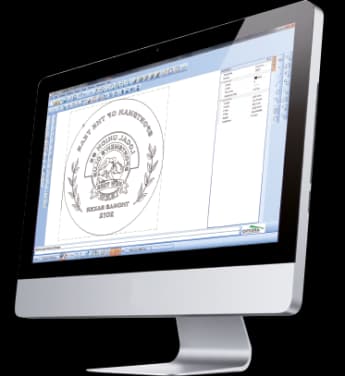
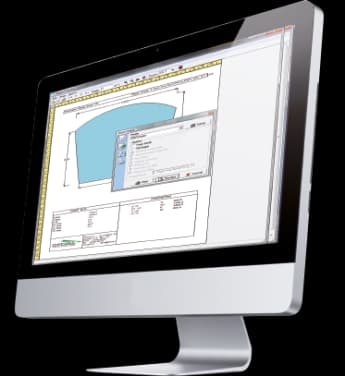
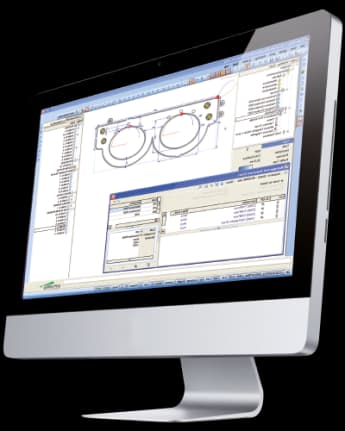
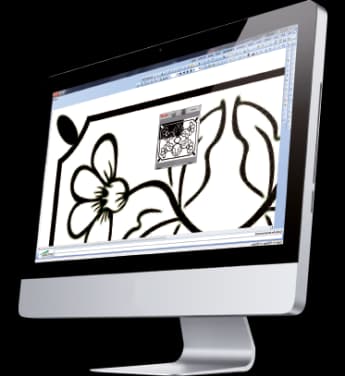
Scan-Way acquires templates up to roughly 4 × 3 meters through a camera and calibration grid, corrects the image and vectorizes the profile into DXF and Optima formats.

large templates
4×3m
typical error
<1mm
vector output
DXF
Scan-Way

What it solves

Physical wood, plastic or paper templates are difficult to transfer accurately into CAD. Scan-Way automates acquisition, optical correction, referencing and vectorization, typically keeping errors below one millimeter.

How it works

  1. 01AcquirePhotograph or import the physical template.
  2. 02CorrectApply calibration, lens correction, scale and references.
  3. 03VectorizeConvert the contour to lines and arcs.
  4. 04ExportGenerate DXF or Optima geometry.

From geometry to machine

Scan-Way, Geo-Way, CAD-Way and CAM-Way cover different levels of complexity

The catalogue does not present these tools as islands. A geometry can start from a template, a parametric shape or a DXF, be corrected in CAD and end up as CAM operations ready for a machining centre.

01
Template / shape / DXF
02
Geo-Way / Scan-Way
03
CAD-Way / Doors-Way
04
CAM-Way / CNC

Capabilities

Digitize large physical templates and turn them into usable geometry.

Scan-Way acquires templates up to roughly 4 × 3 meters through a camera and calibration grid, corrects the image and vectorizes the profile into DXF and Optima formats.

Core capabilities

Scan-Way acquires templates up to roughly 4 × 3 meters through a camera and calibration grid, corrects the image and vectorizes the profile into DXF and Optima formats.

Operation and workflow

Integrations

Physical wood, plastic or paper templates are difficult to transfer accurately into CAD. Scan-Way automates acquisition, optical correction, referencing and vectorization, typically keeping errors below one millimeter.

How it fits the flow

  1. 01Acquire: Photograph or import the physical template.
  2. 02Correct: Apply calibration, lens correction, scale and references.
  3. 03Vectorize: Convert the contour to lines and arcs.
  4. 04Export: Generate DXF or Optima geometry.

Scan-Way

Talk to Optima

Request a demo

Support and technical assistance

WhatsApp